Design should be fluid.
Design should be fluid.
— Highstreet mobile app
About Highstreet
Highstreet is a mobile retail platform, founded in 2012. With Highstreet, you can transform your online webshop into an App Store app. In 2014 the first version of the iPad app was shipped into App Store. In 2015 followed iPhone, Apple Watch and later on Android. As a lead designer on the app, I shaped the application from the beginning and kept it up to date.
How do you design for 1000 brands?
My role
Branding
UX
Prototyping
Visual
Design system
Motion
Working at Highstreet
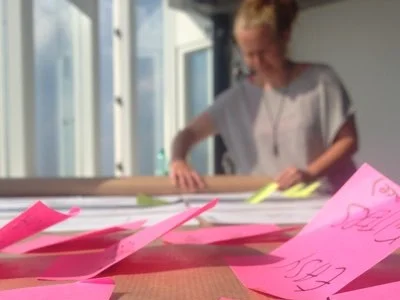
At Highstreet, I was happy to create the app from scratch. I worked for 3 years on the app and had the chance to learn through and through about iOS and Android platforms. My role was to make everything around the app. From the app itself, branding, posters into promo video's, CMS.
Concept
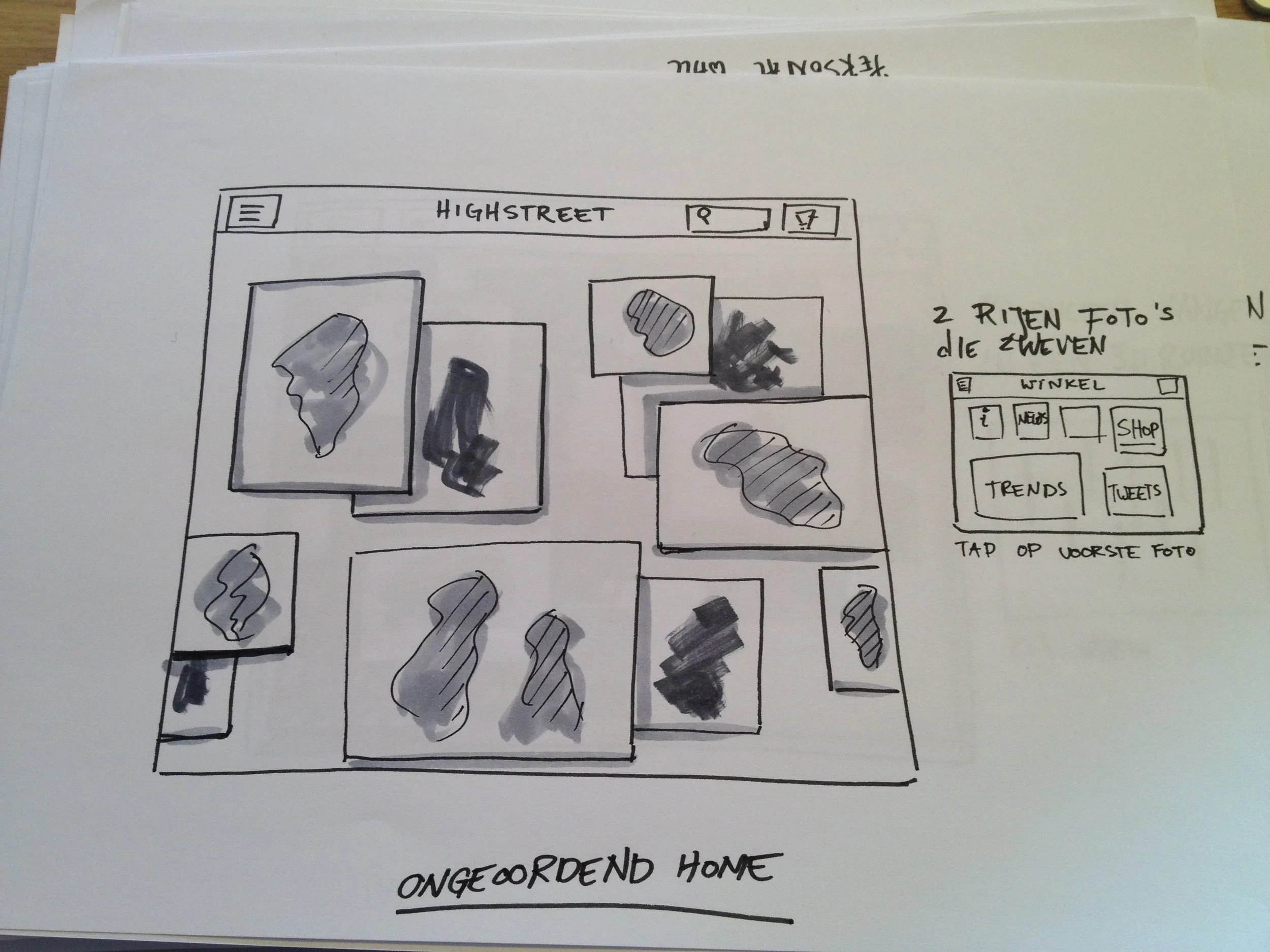
The name Highstreet was inspired by the way English-man calls shopping street in London. In the beginning, the concept was to create a shopping app where different craft shops are connected. The brand required to look chic and qualitative. Below you can see video prototype that I made of the original concept for the app.

UX design
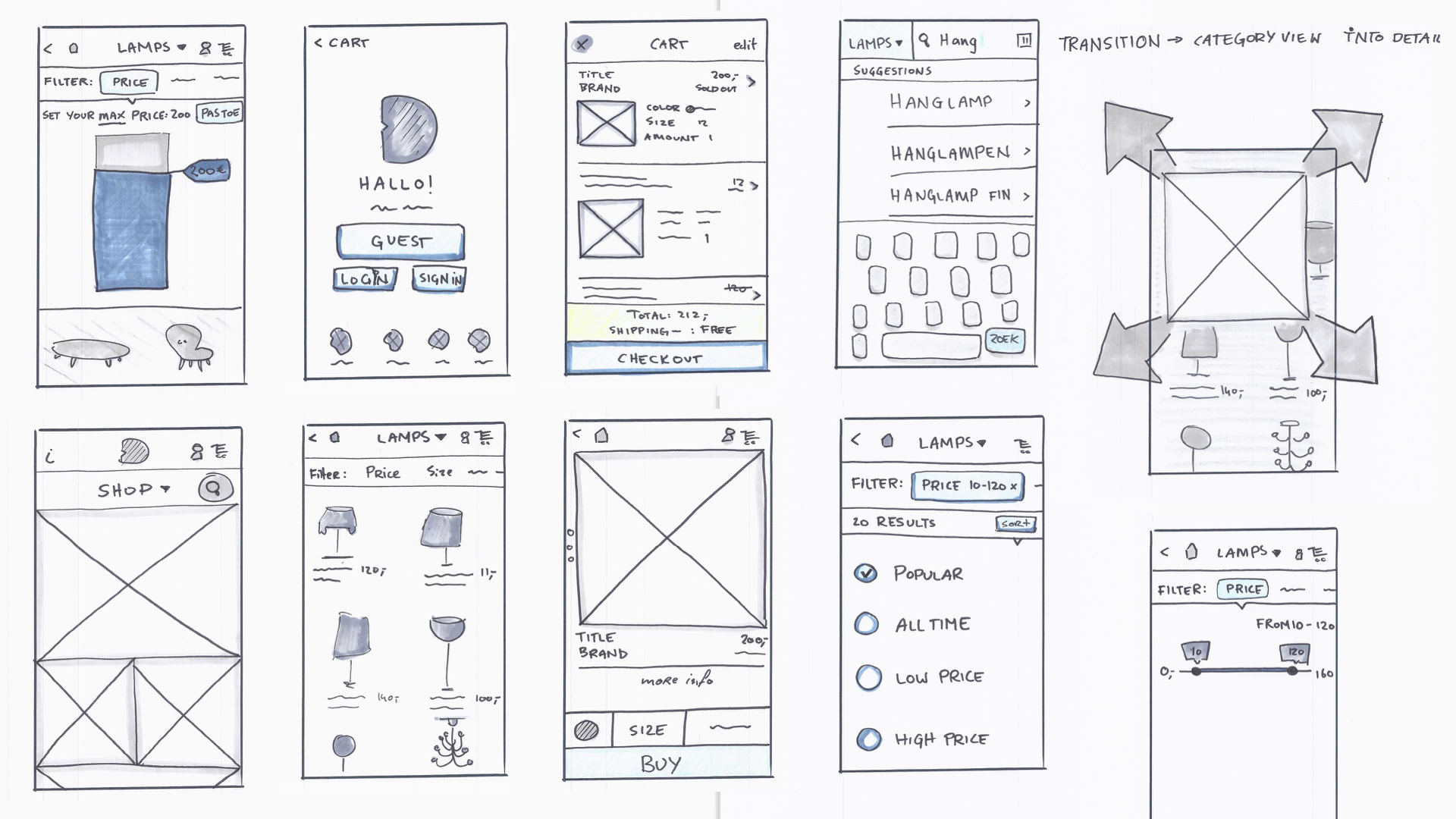
Building an app from scratch is fun, but maintaining it and adding new features can be complicated and chaotic. Therefore when there was a need for a new feature, we sat first with the team and decided what the user stories are. Those kept the feature realistic during the development. The new feature was first created in the white label template.
The white label template is a wireframe version of the Highstreet app filled with placeholder content. This way, while building a new feature, we would focus on the behavior instead of design. The white label template app was created for the iPad, iPhone, and Android.
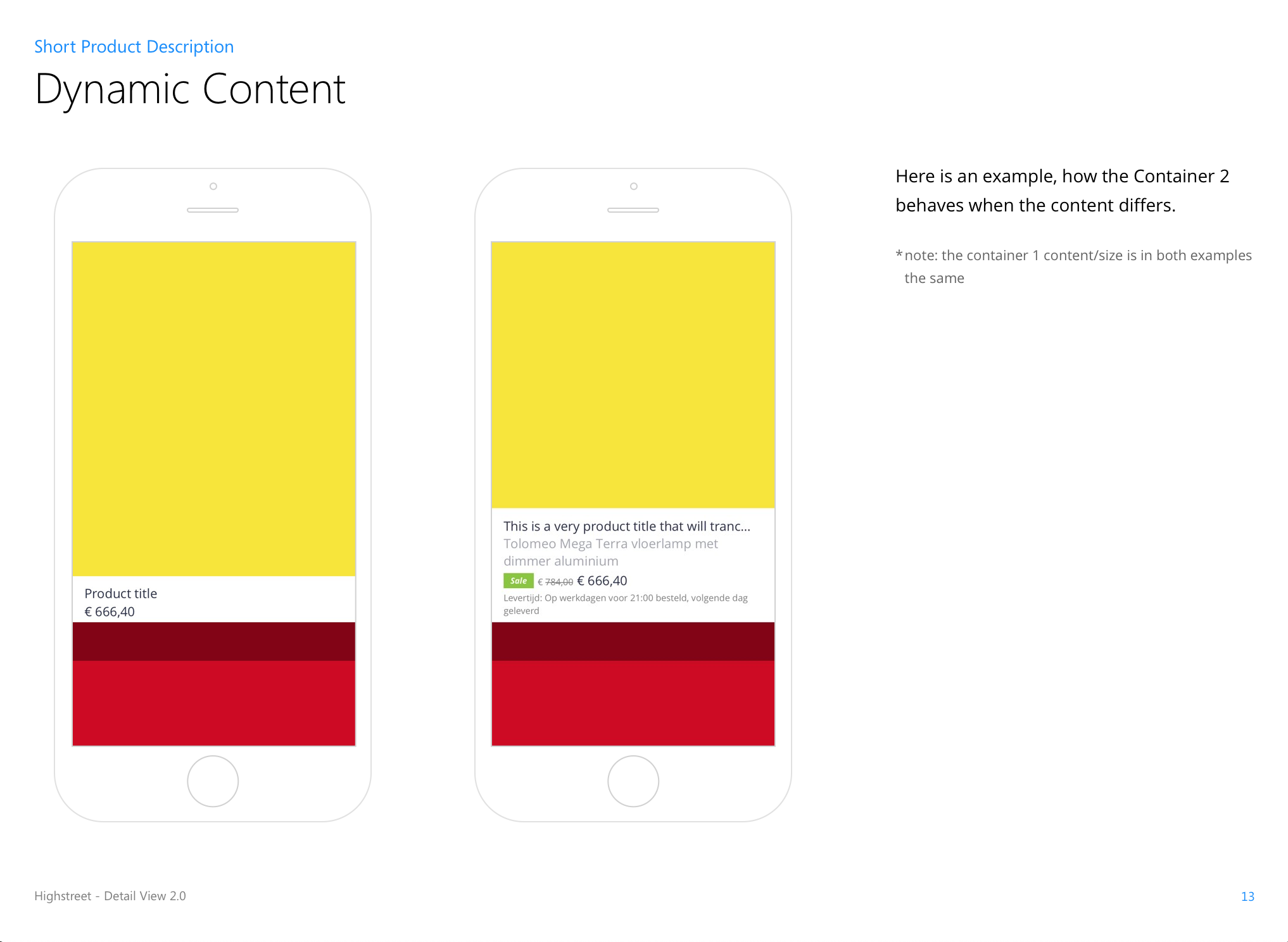
It was always essential to think thoroughly about the new feature and think about the edge cases. How will this German text fit here? How will 30 color pickers look like in this button? What happens when there is no internet? The UX process mainly existed from asking questions.
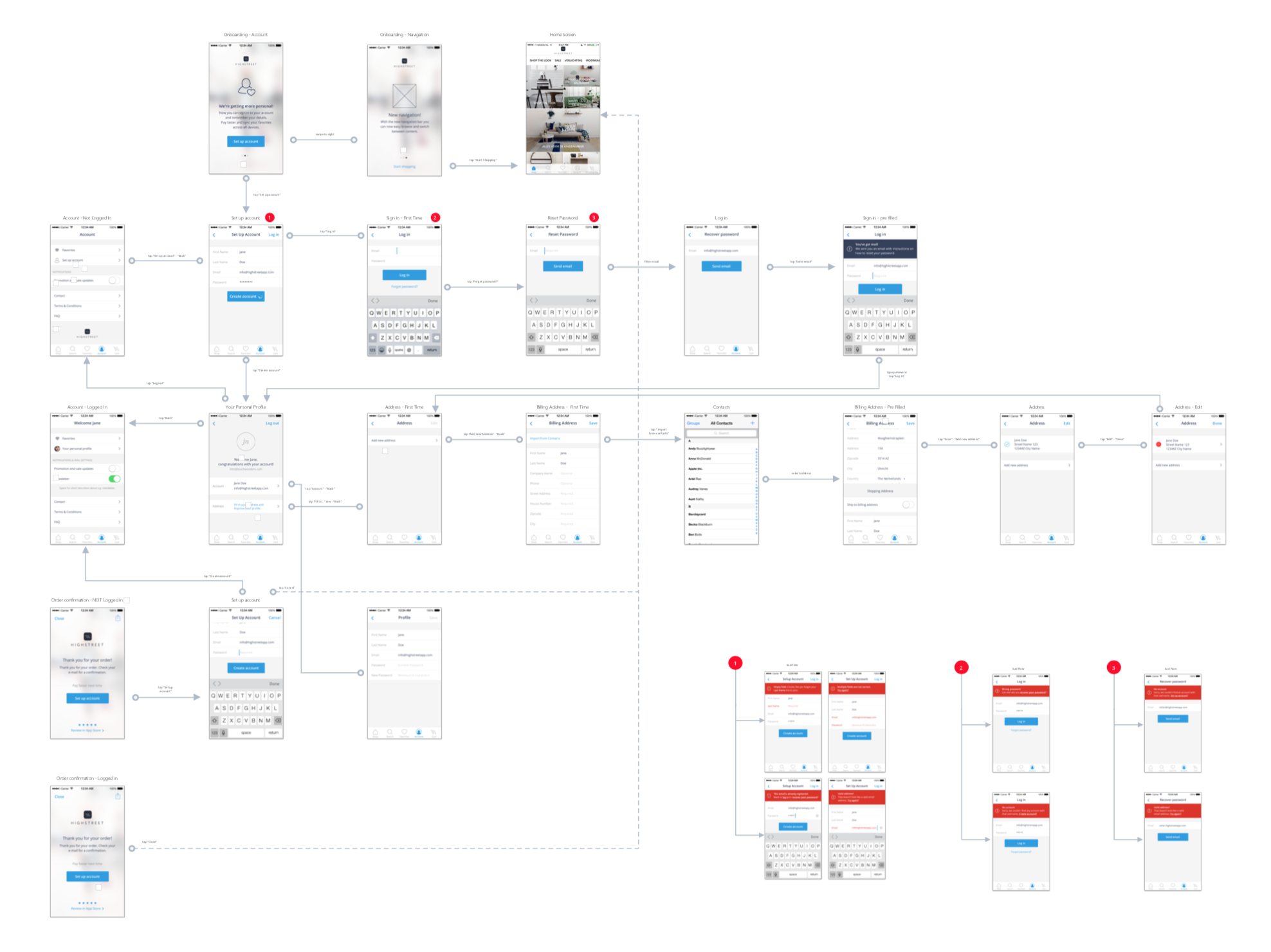
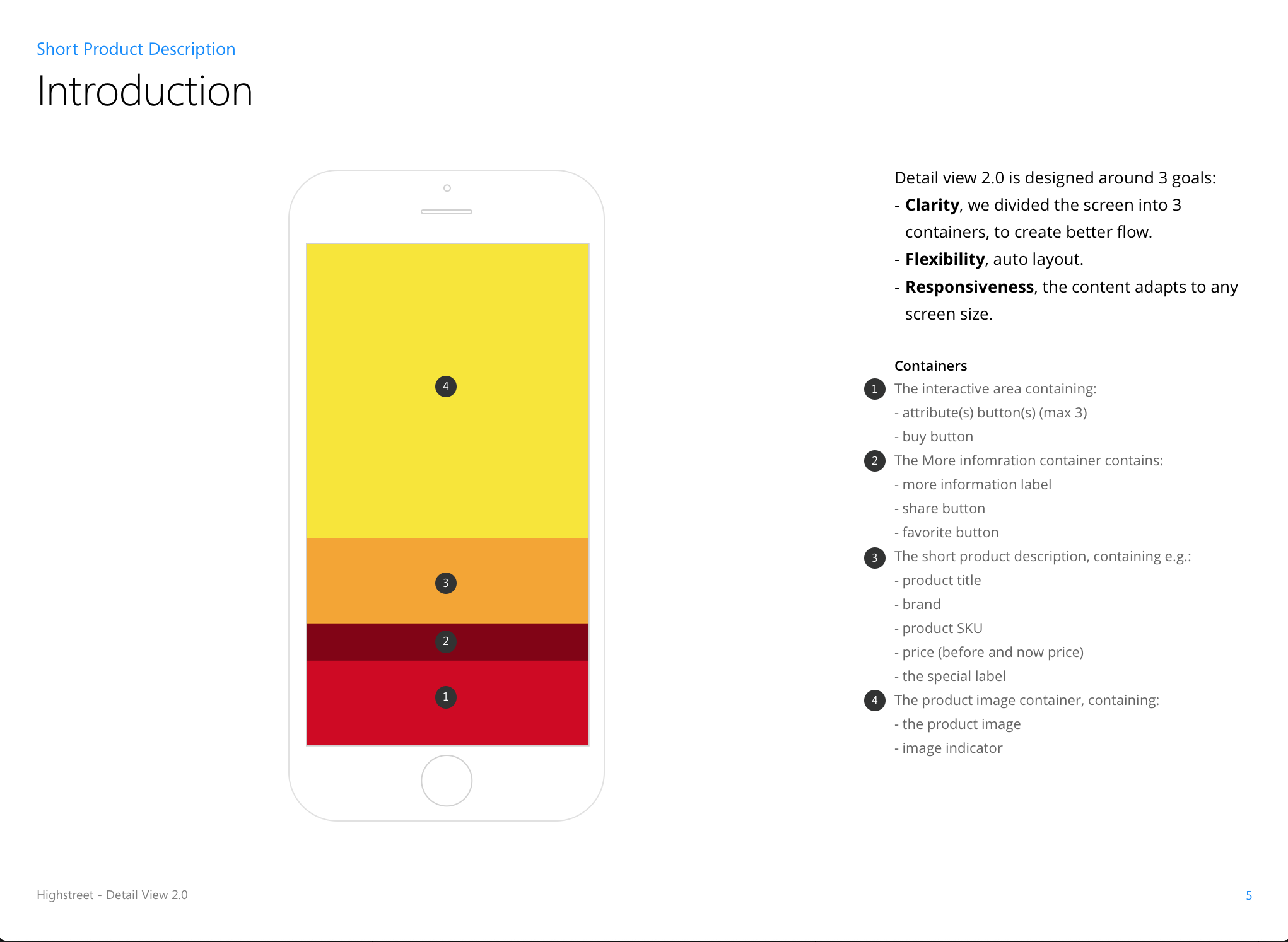
After white label designs where made, everything was tested within clients theming. During that process, everything was described in a UX document. In the UX document, the dev-team could find user stories, description of the feature, functionalities, actions/gestures, animations, prototype, content, and edge-case scenarios.
The reason for so many steps while building a new feature is to exclude all the surprises. It was important to filter all the mistakes before the development team started writing code.

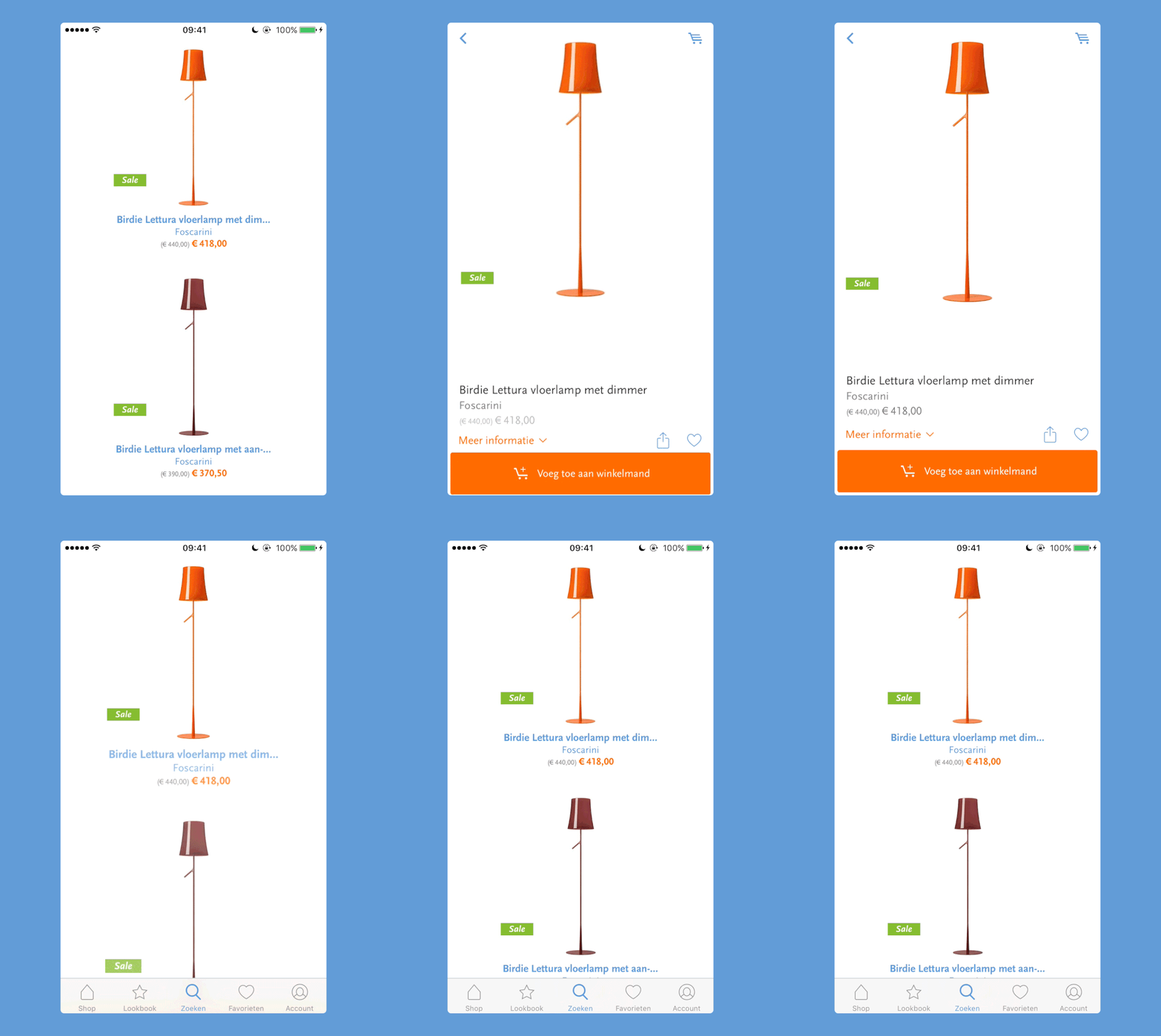
Subtle detail: how more you zoom on a product how more you get it to know. Just like in the real world.
Prototyping
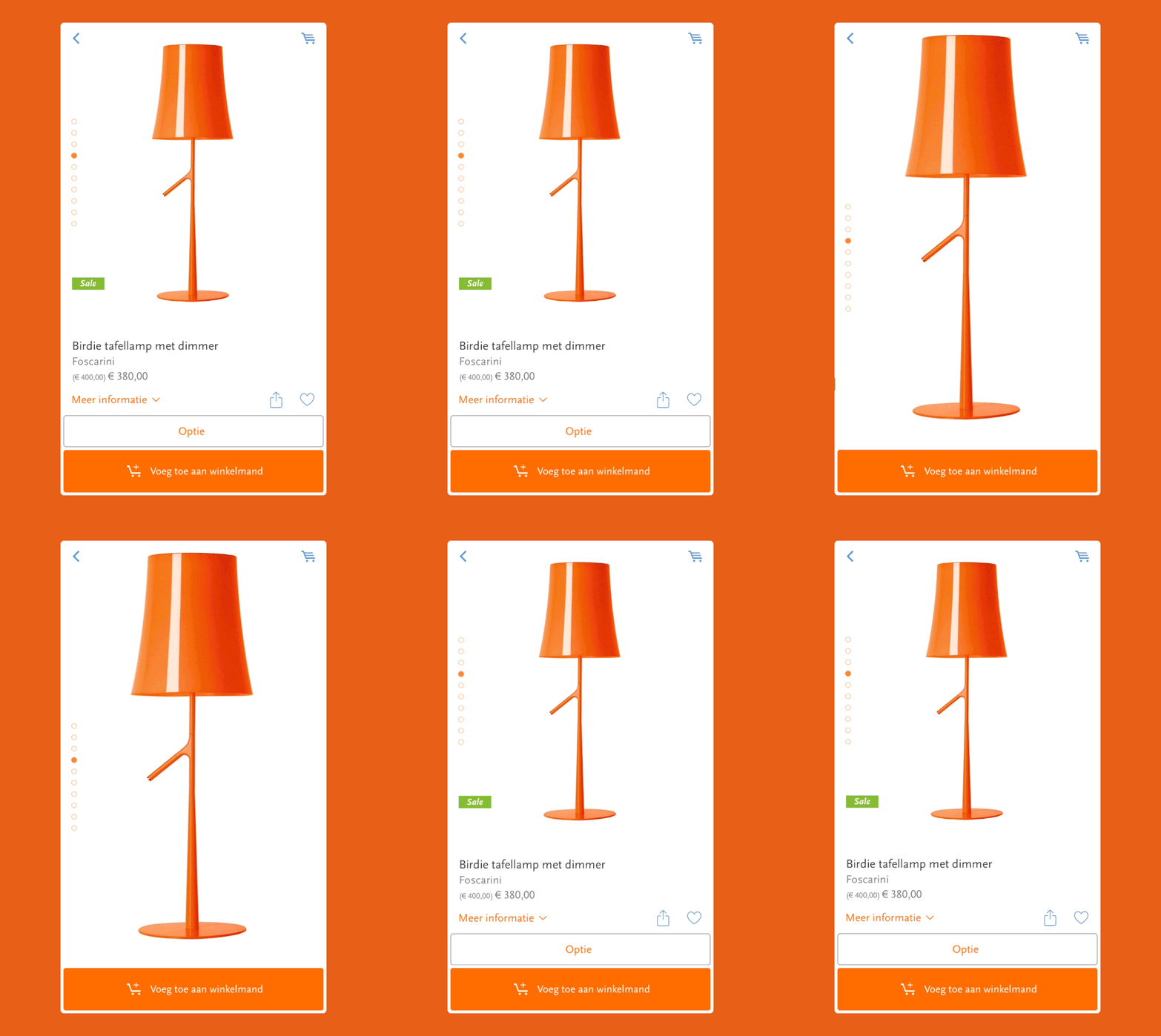
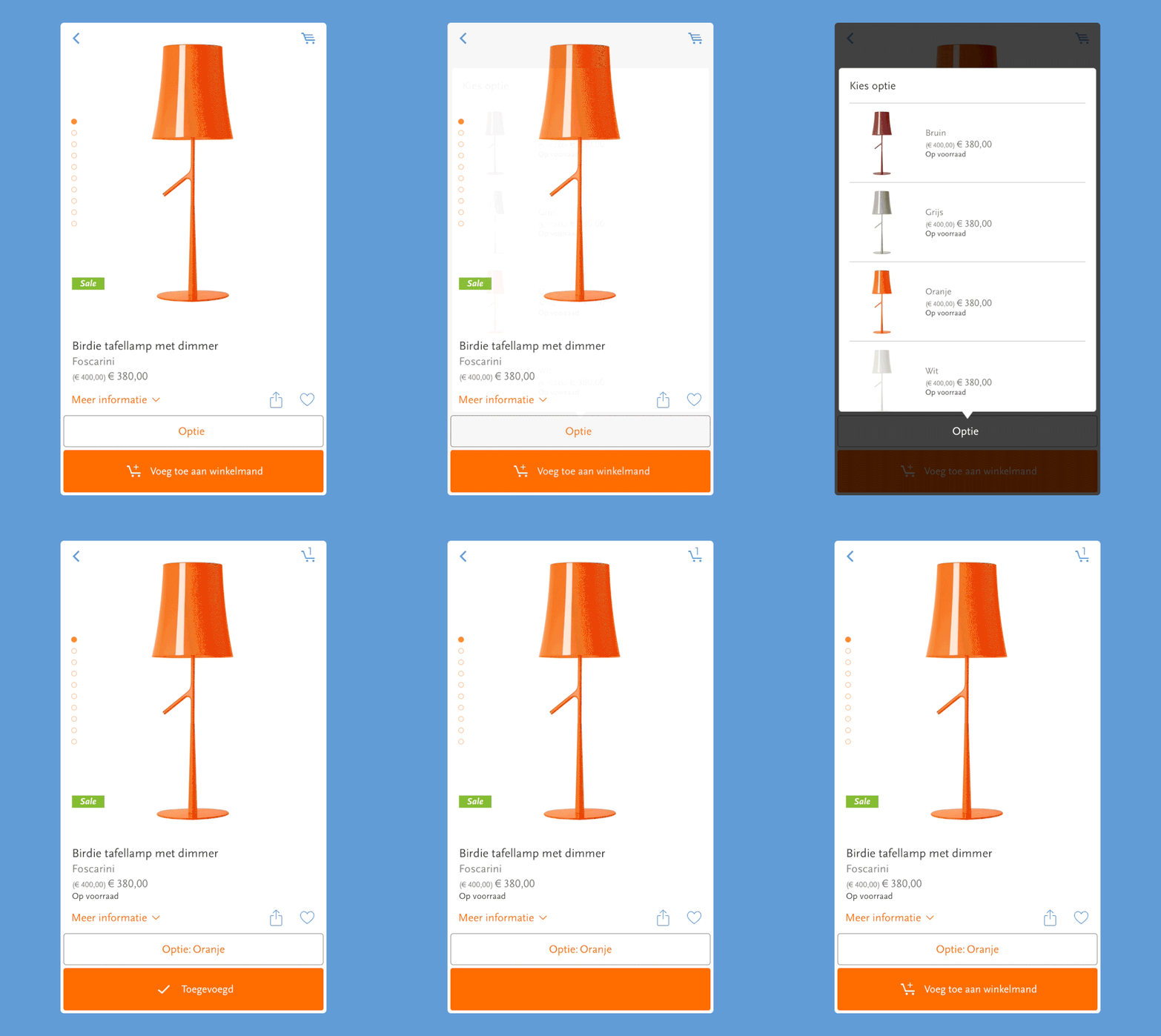
While creating screens, I always work 50/50 in Sketch and Principle (or another prototyping tool like Framer, Keynote, Proto.io, After Effects). This way, I can test how design and animation influence the experience. The question I ask myself before building a prototype is: Can I solve this problem with animation? How does this move? This way, you can test the designs and concepts quickly with colleagues or friends. You will be surprised how much you can learn from just showing around. I believe for the best experience, you need a balance between the interface and the animations.
Below you can download a few small prototypes. Because I worked parallel with the user stories, the prototypes focus mainly on details and transitions from one screen to another. In the end, we are not designing stills but flows.
*Note that Principle prototype is a Mac app and can be opened only with a Mac. (open the app by control-clicking the app icon and click "open")
UI design
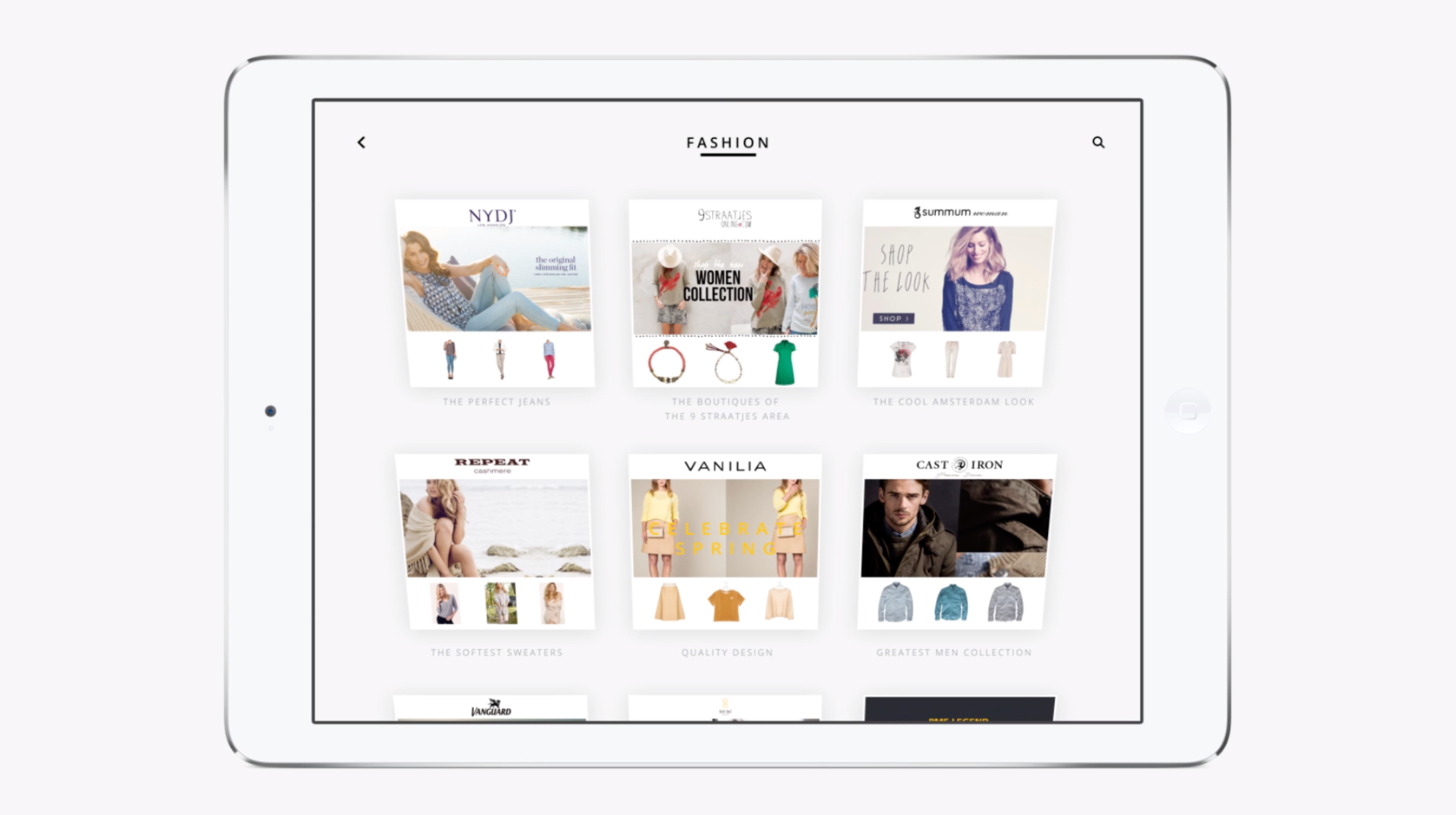
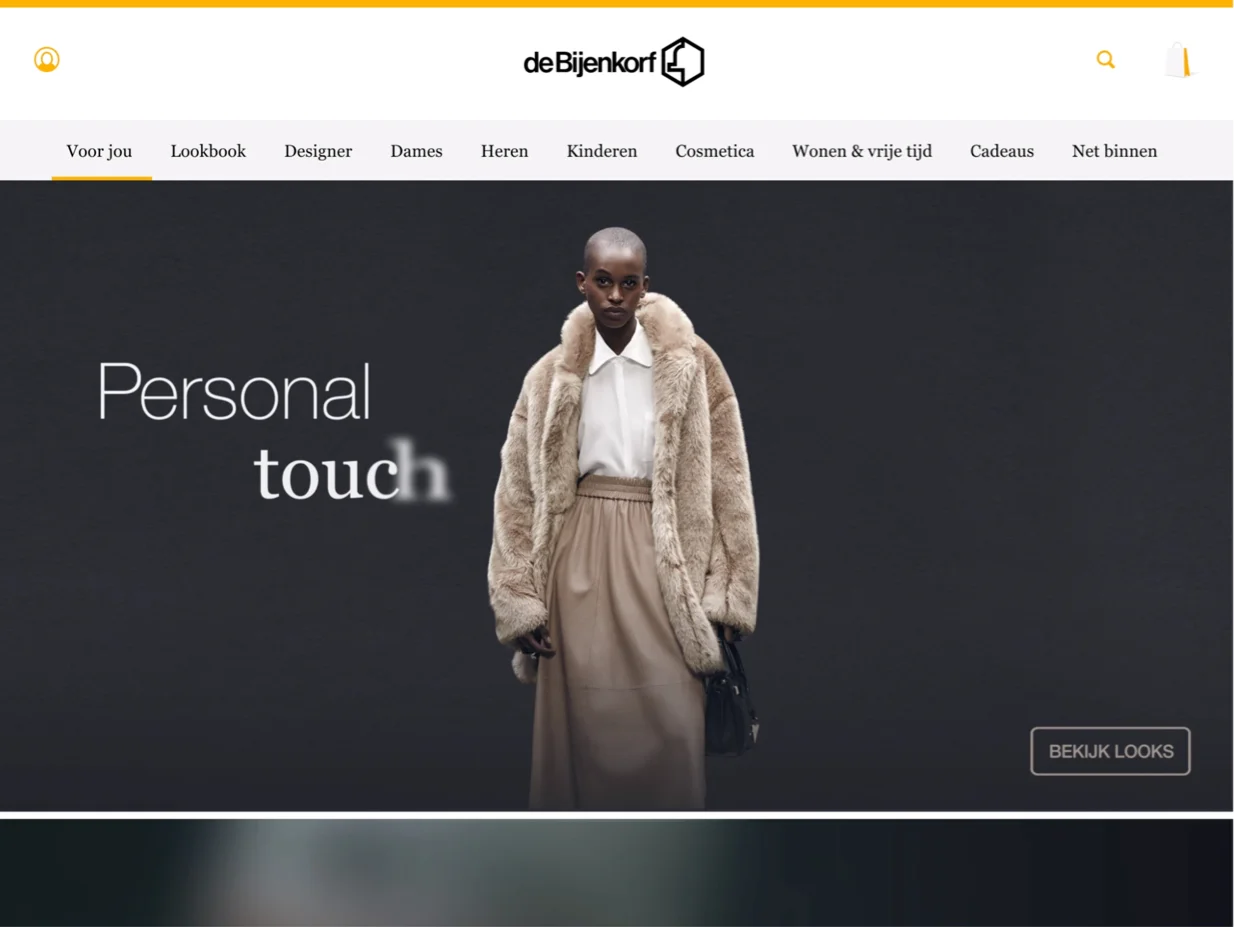
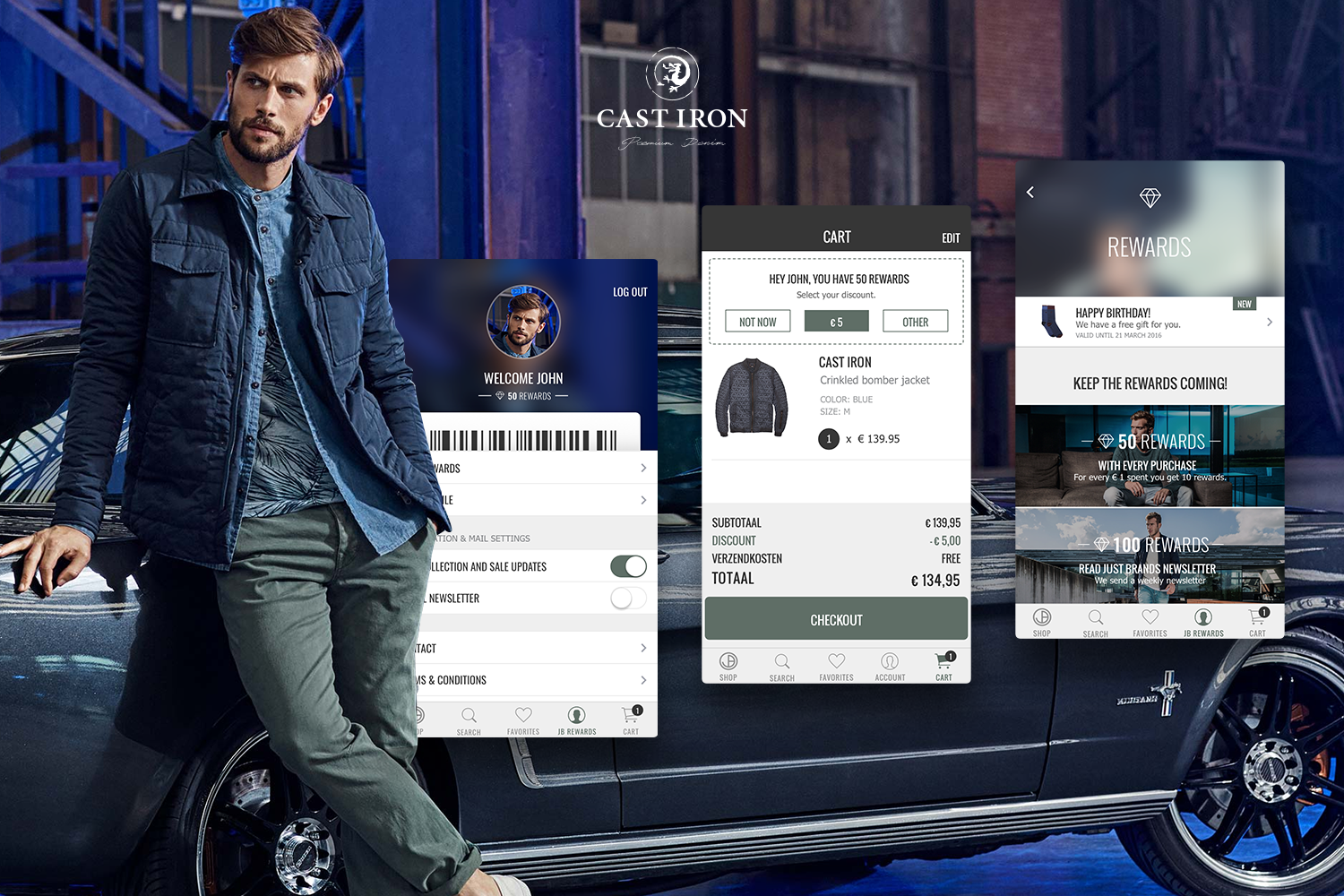
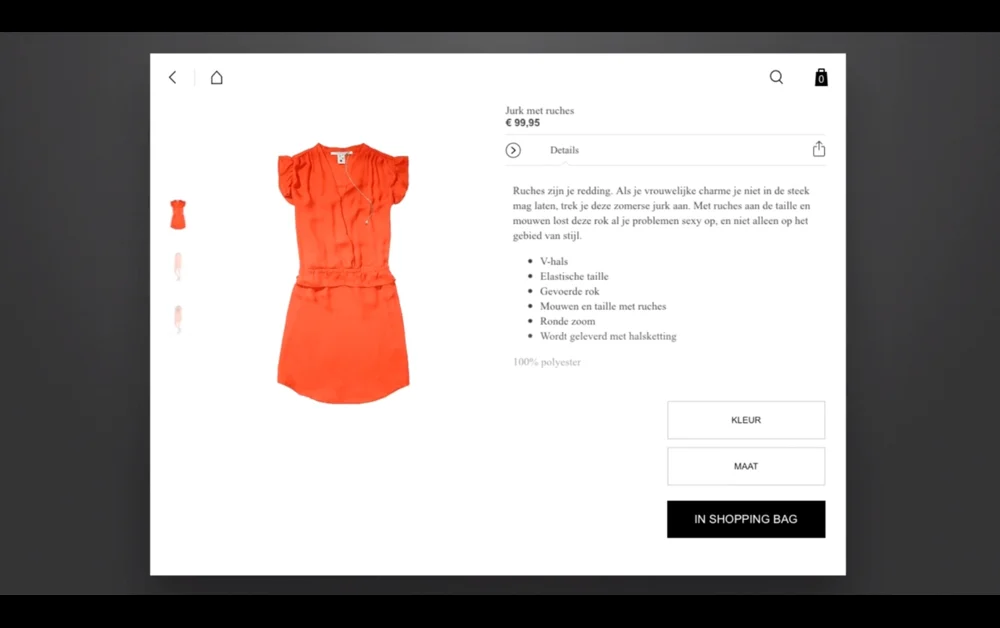
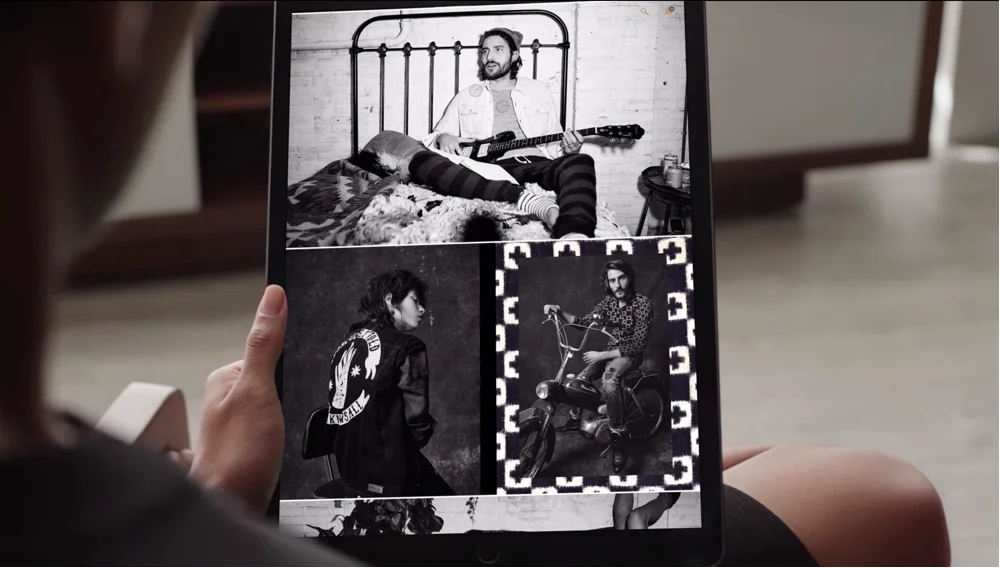
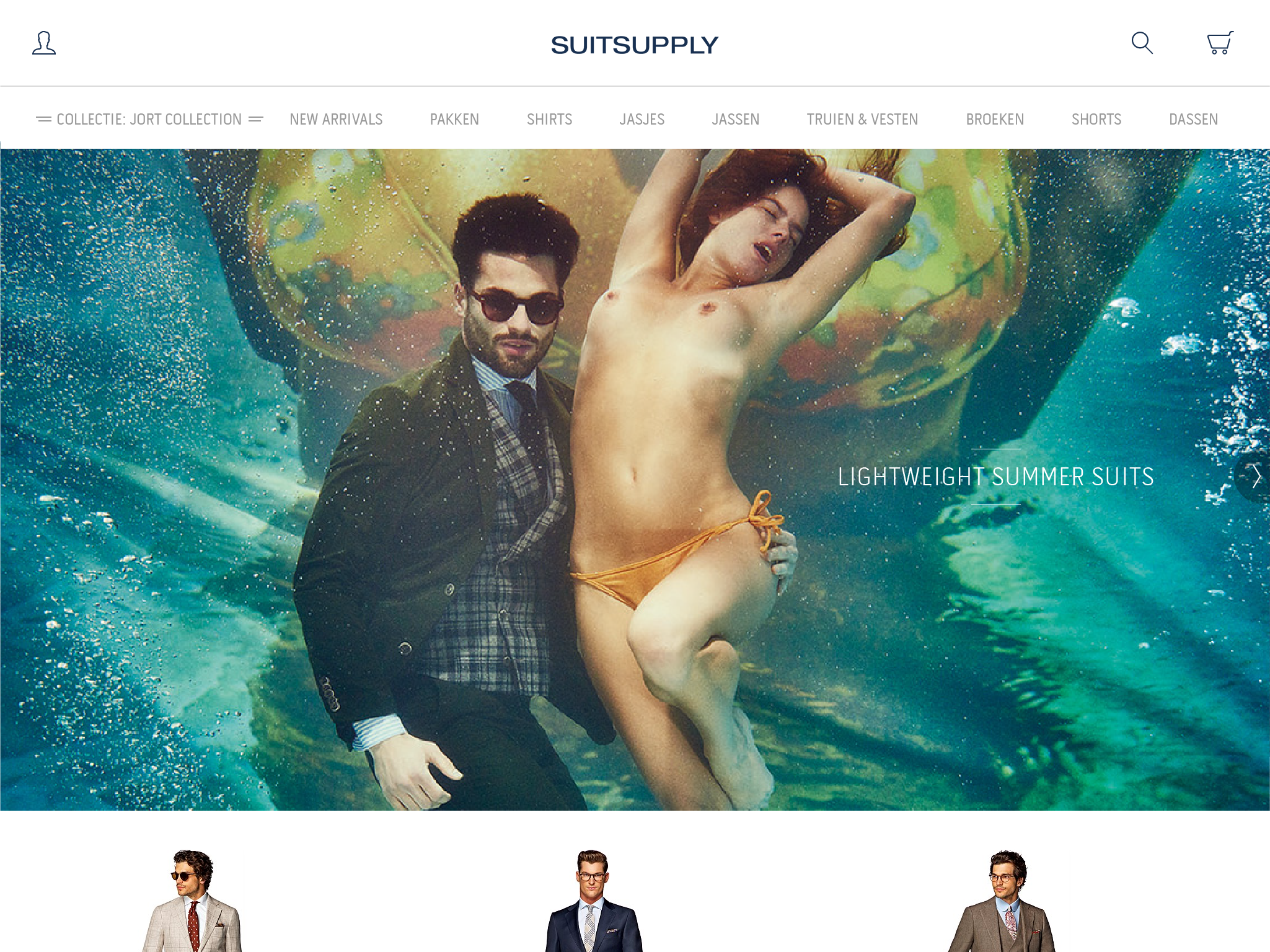
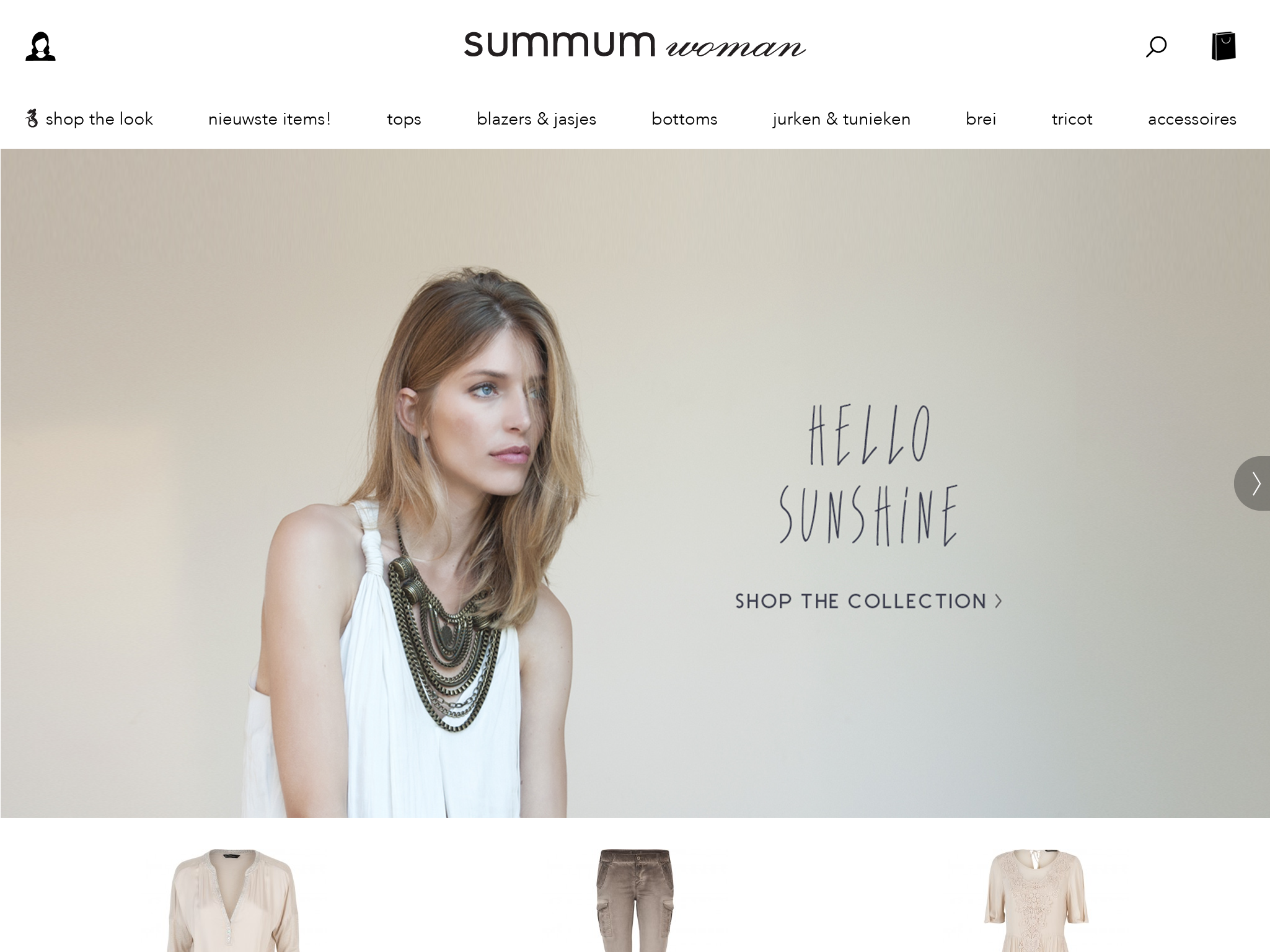
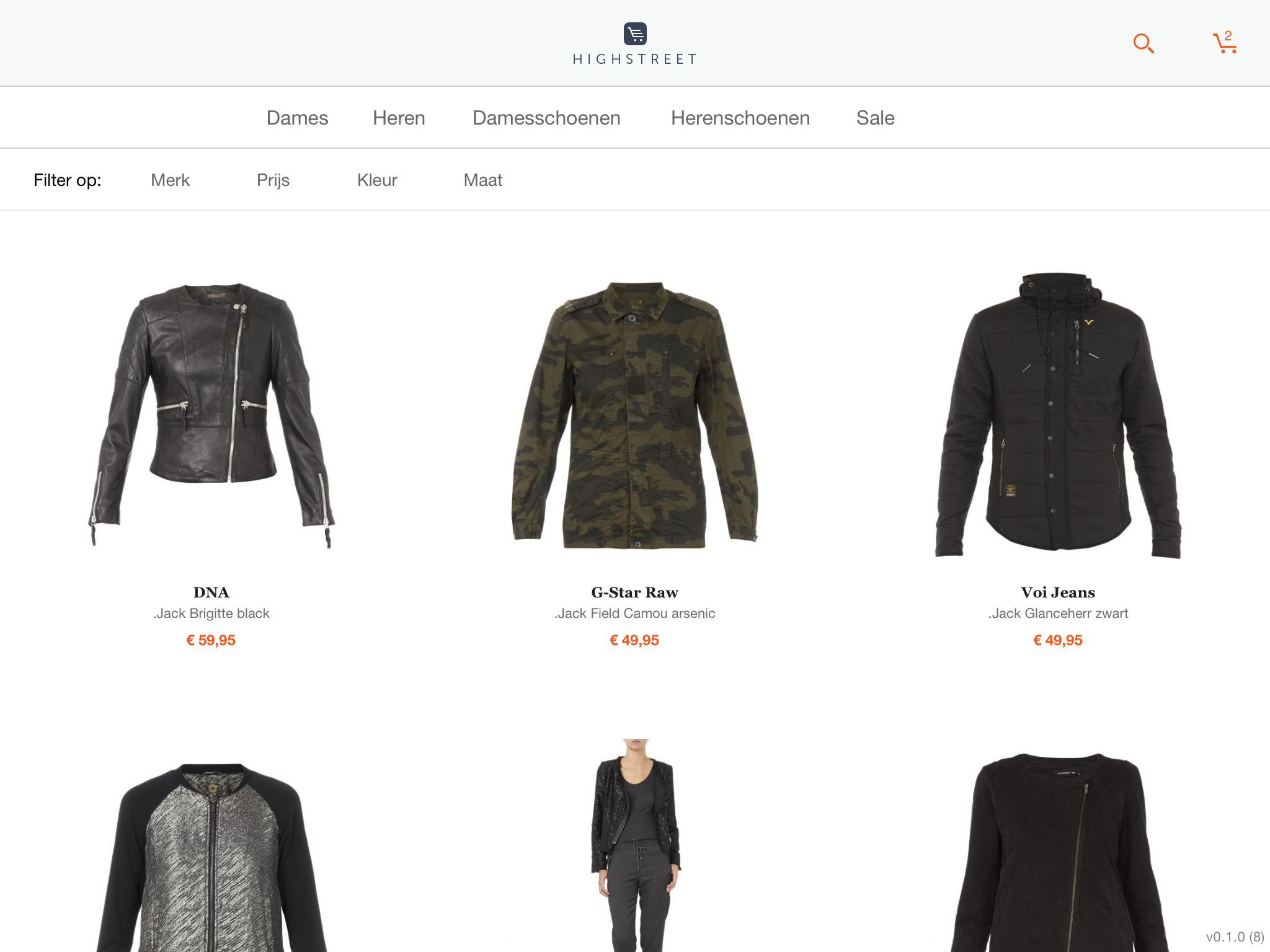
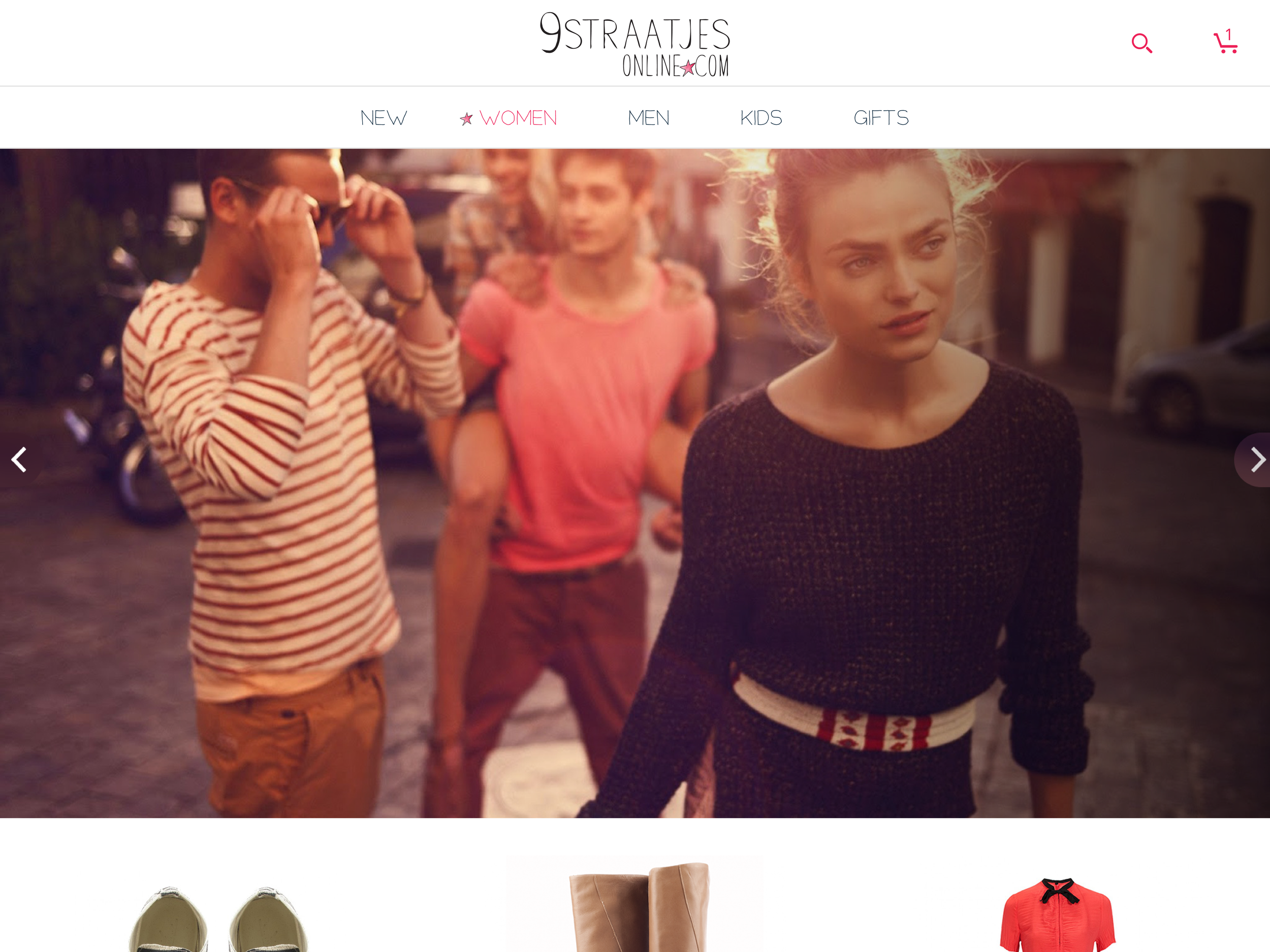
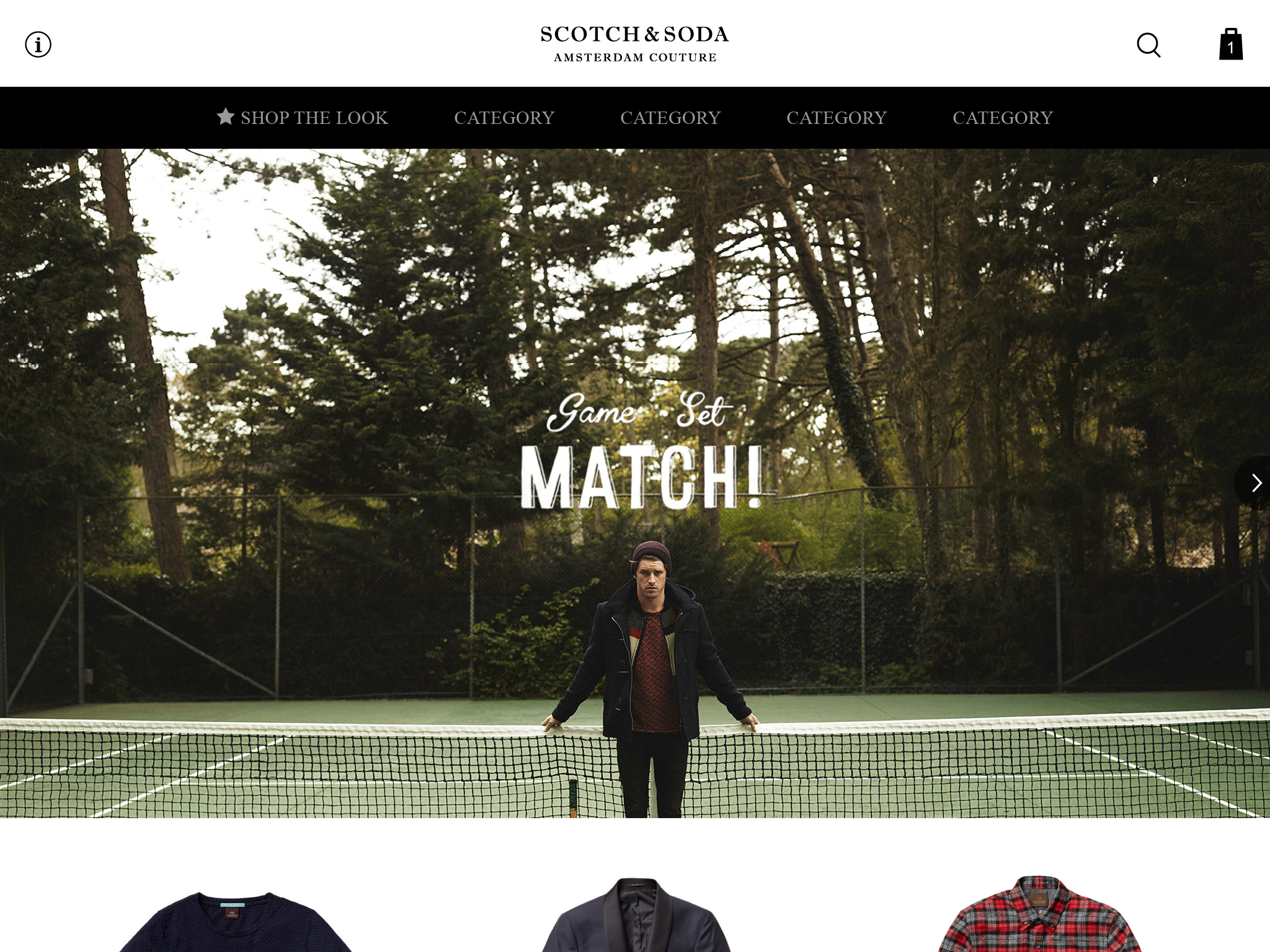
So how do you design for 1000 brands? Well, you make one design, the white label template and keep on adding options while communicating a lot. Without exceptions, everything needs to be scalable.
For example, a brand wants a divider while this theming option is not yet built in the theming system. In the white label Illustrator template, I can change that fast. For the dev-team, it takes longer to add it into the theming system, so it's scalable later. Therefore it's important to discuss all small changes.
Design system
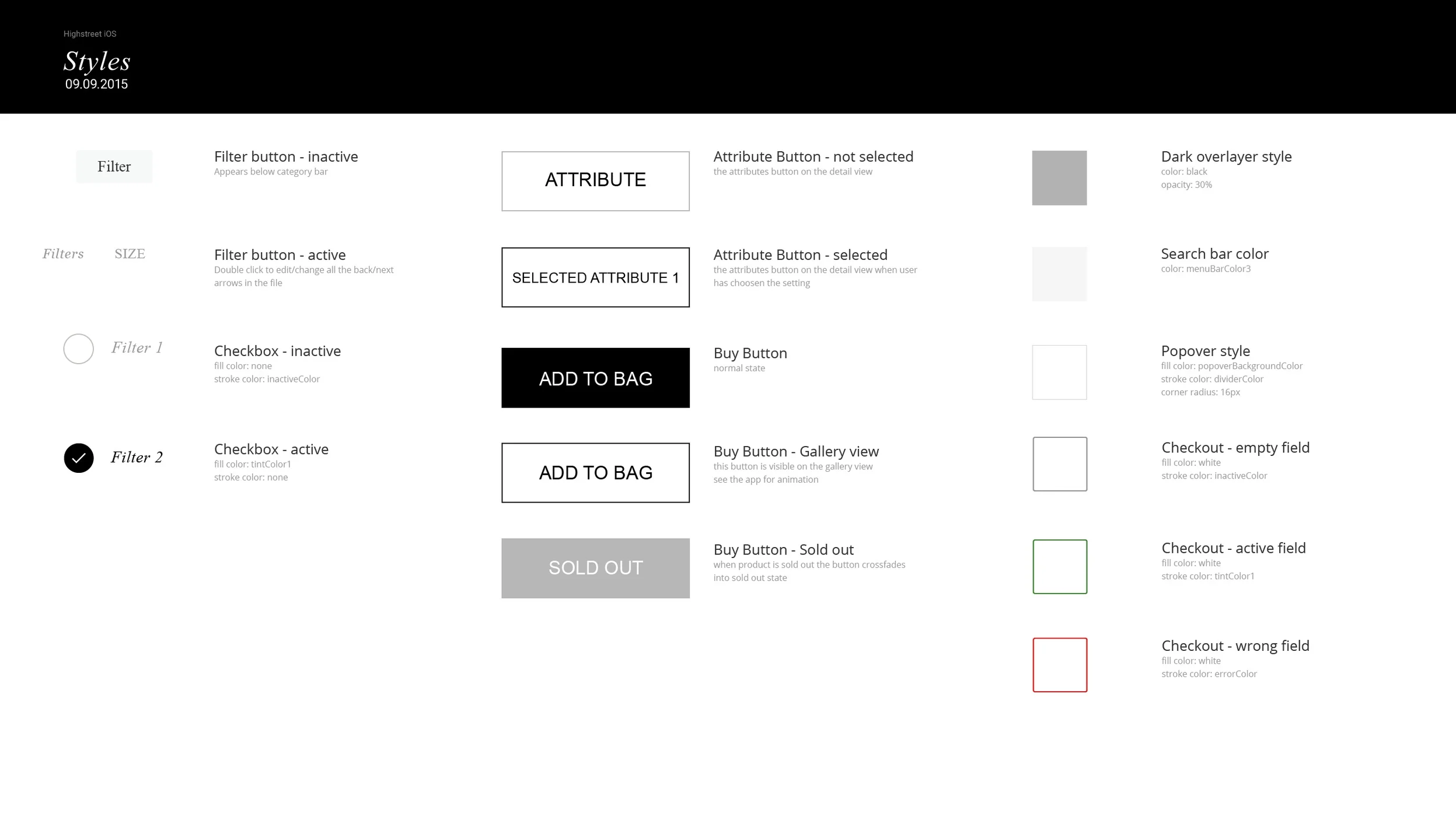
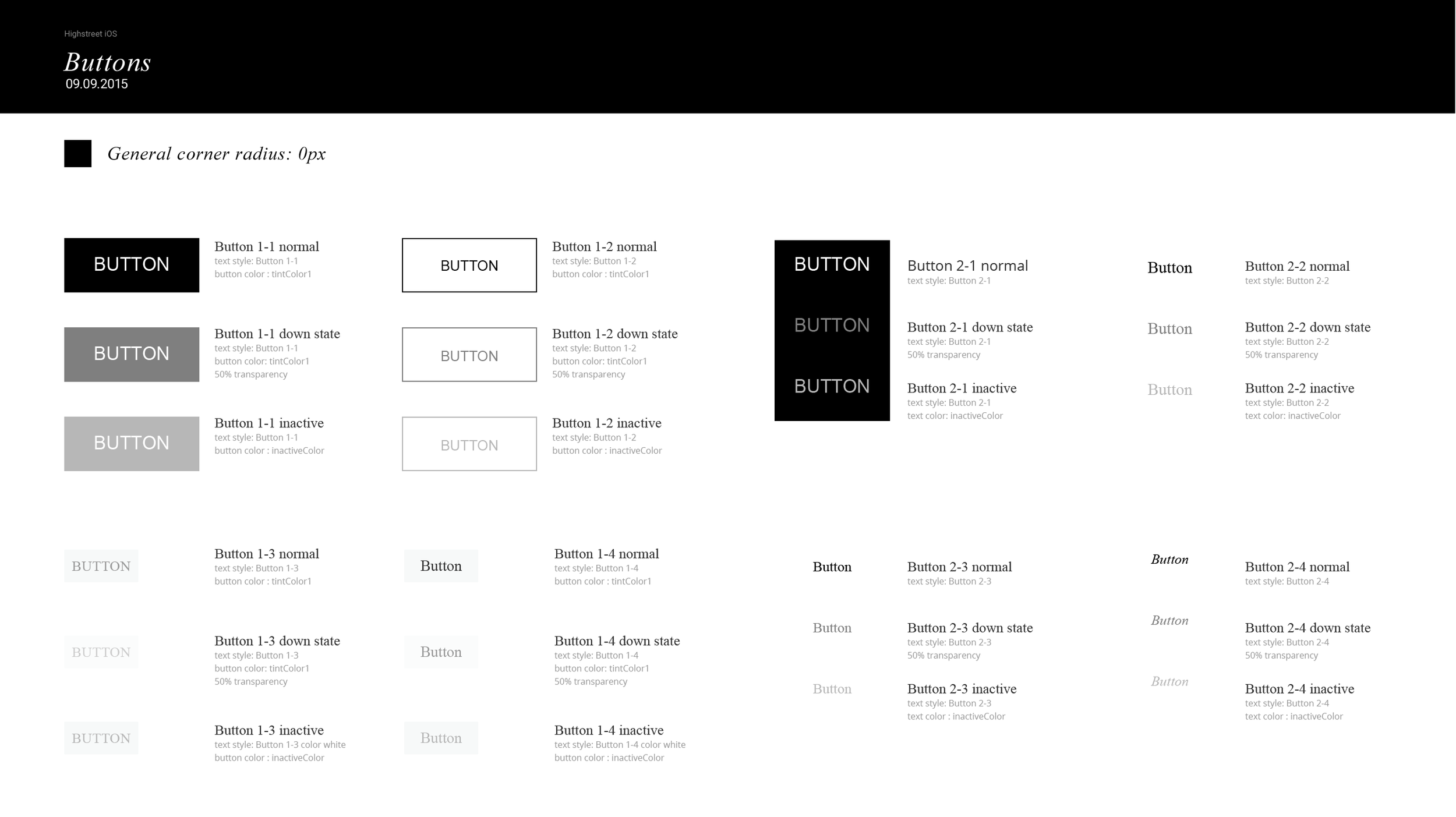
While connecting new shop onto Highstreet, the process was pretty straightforward. The promise was that we could connect to a new store in one week. Back-end, front-end, and design. The design could be done in one day, after that the client had a day to send feedback.
That feedback was directly processed in the app. How could I make the design in one day? Well, I needed a logo, font, and a few colors. The white label document was build in Illustrator. I know it sounds ancient but trust me replacing colors, creating symbols and styles that time was impossible in Sketch. The white label document existed from text styles, swatches, and symbols. All the names of the colors, text styles, and assets were the same as in the white-label app. This way, the implementation took a few days.
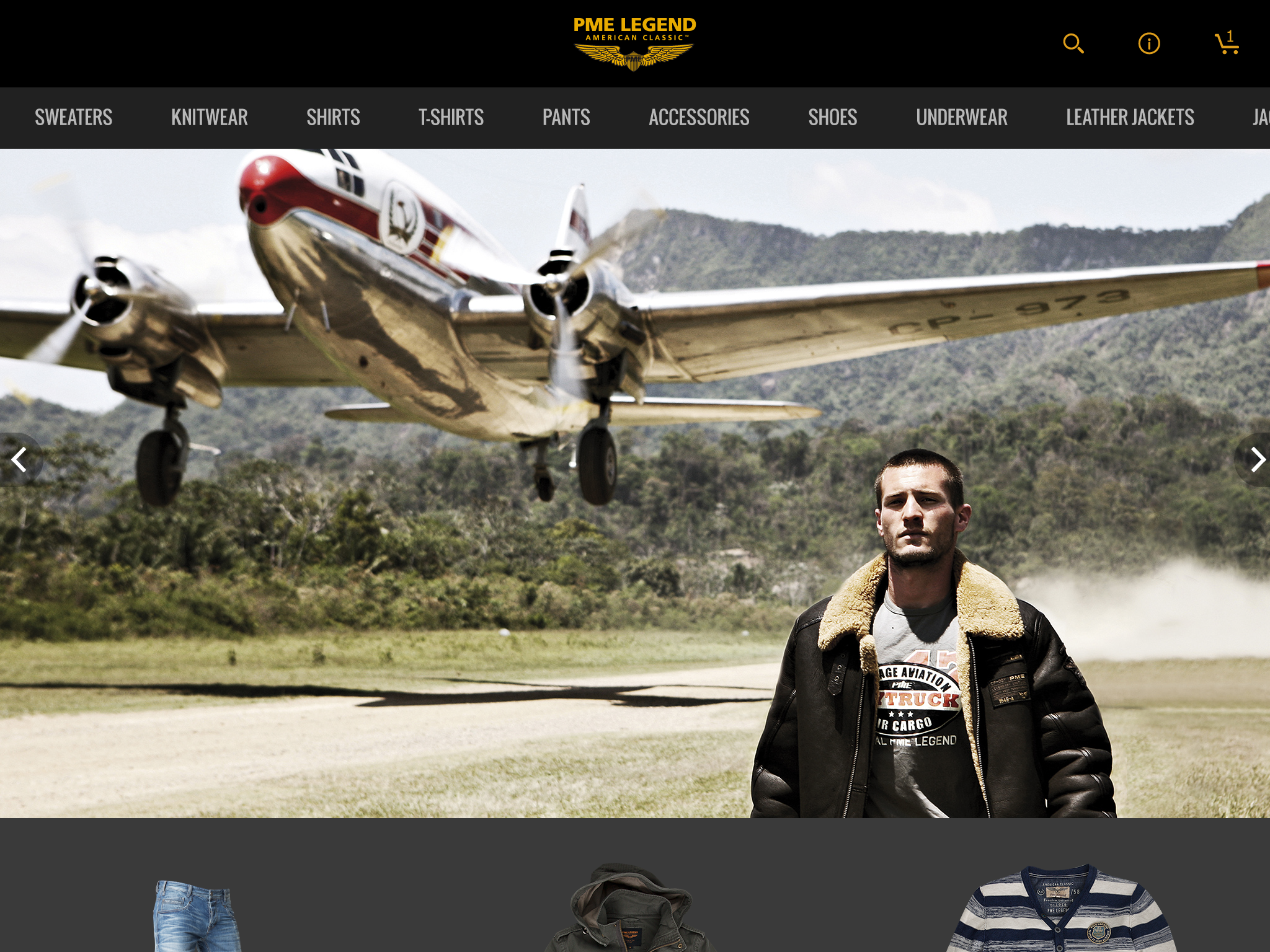
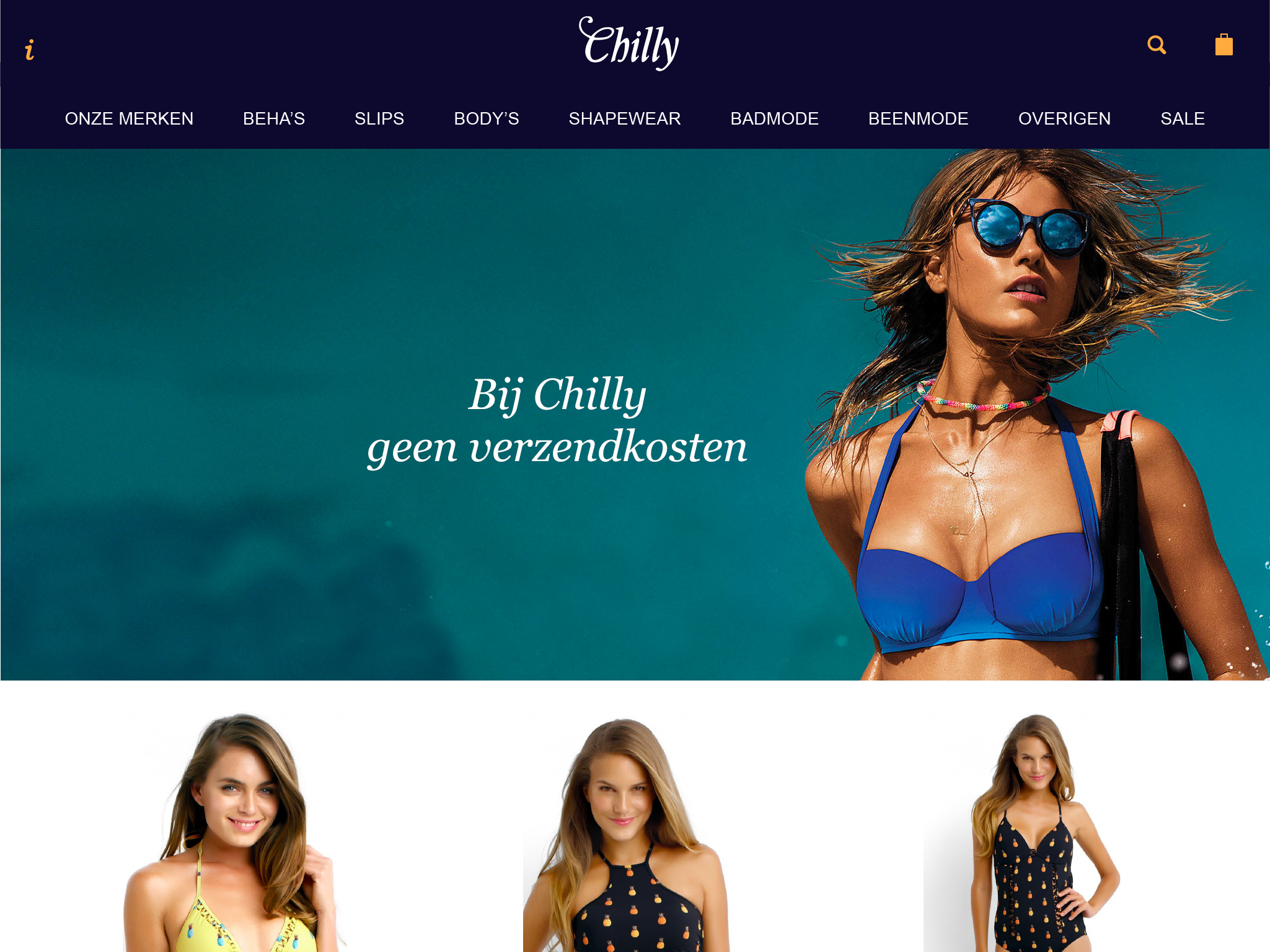
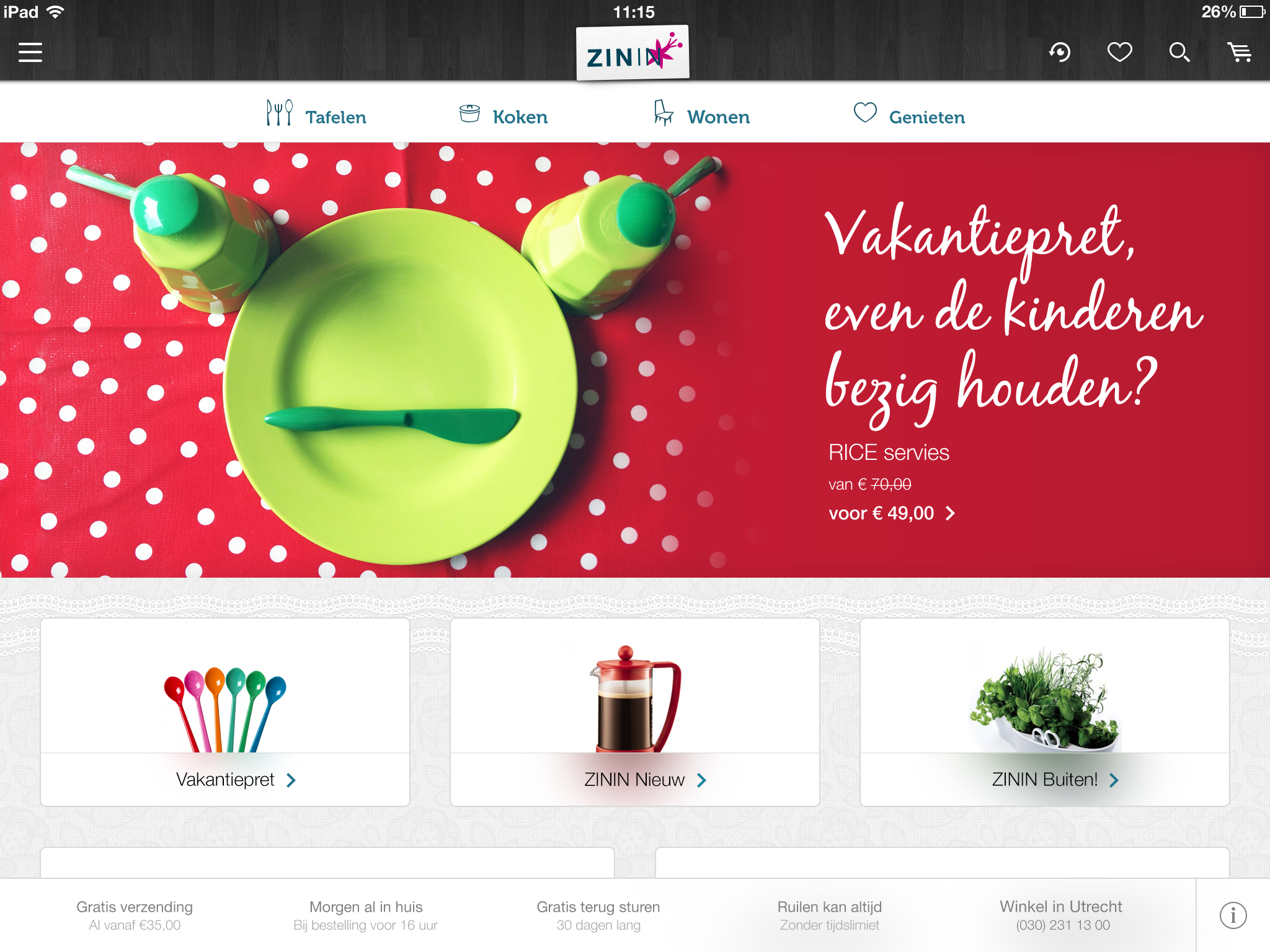
The challenge was always to adapt Highstreet into store branding, without losing their identity and finding solutions for edge cases while keeping the app beautiful.
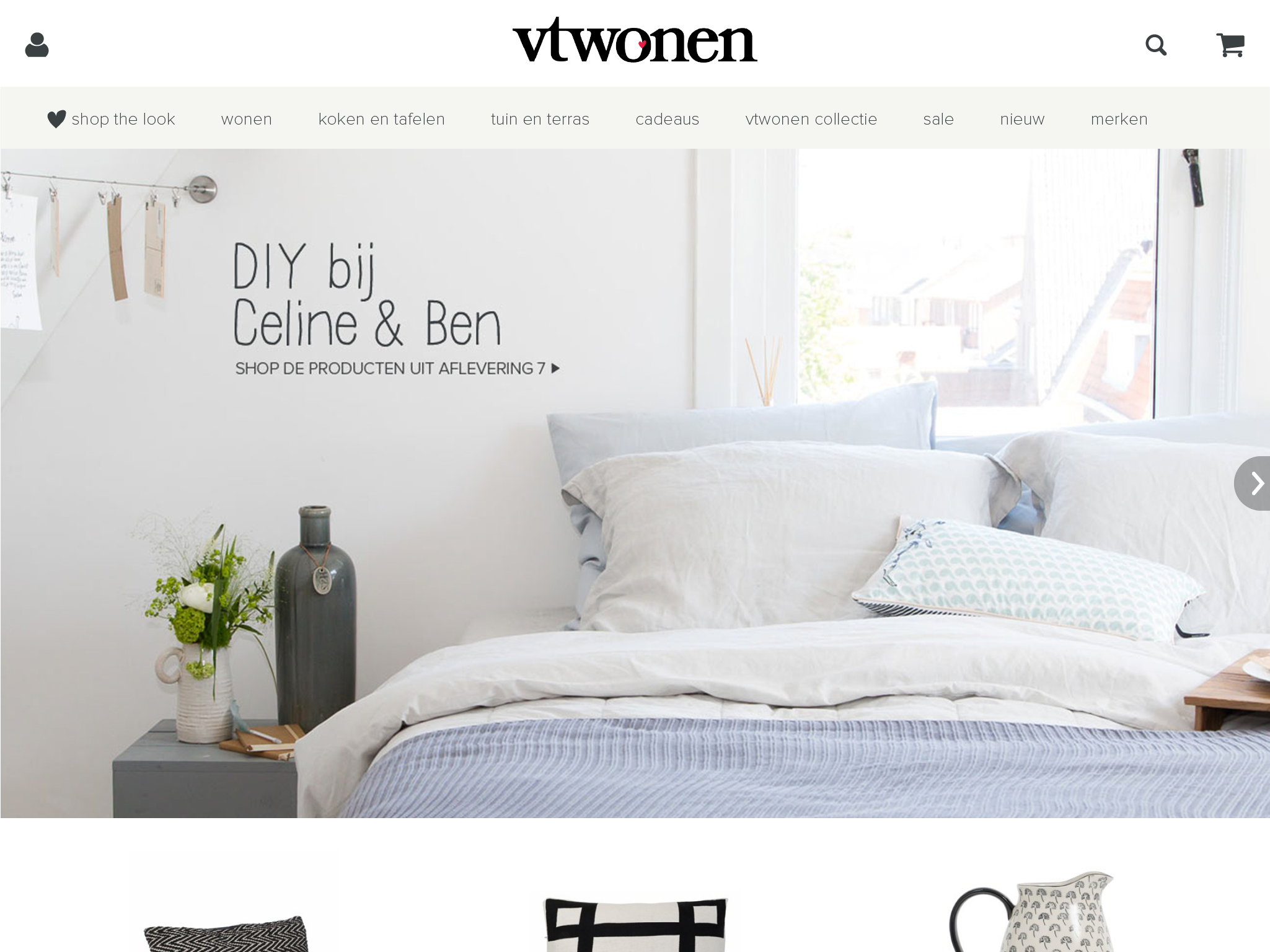
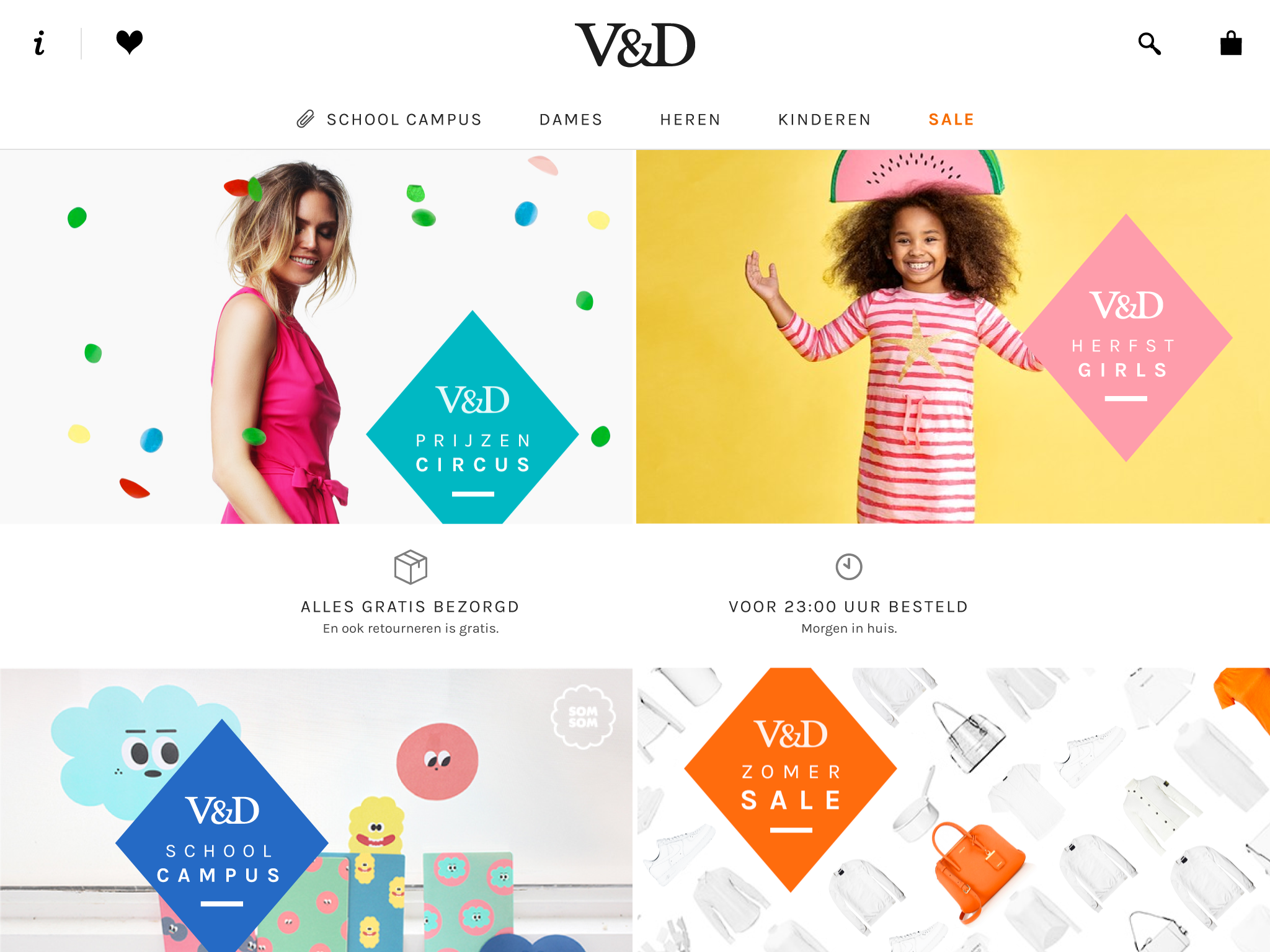
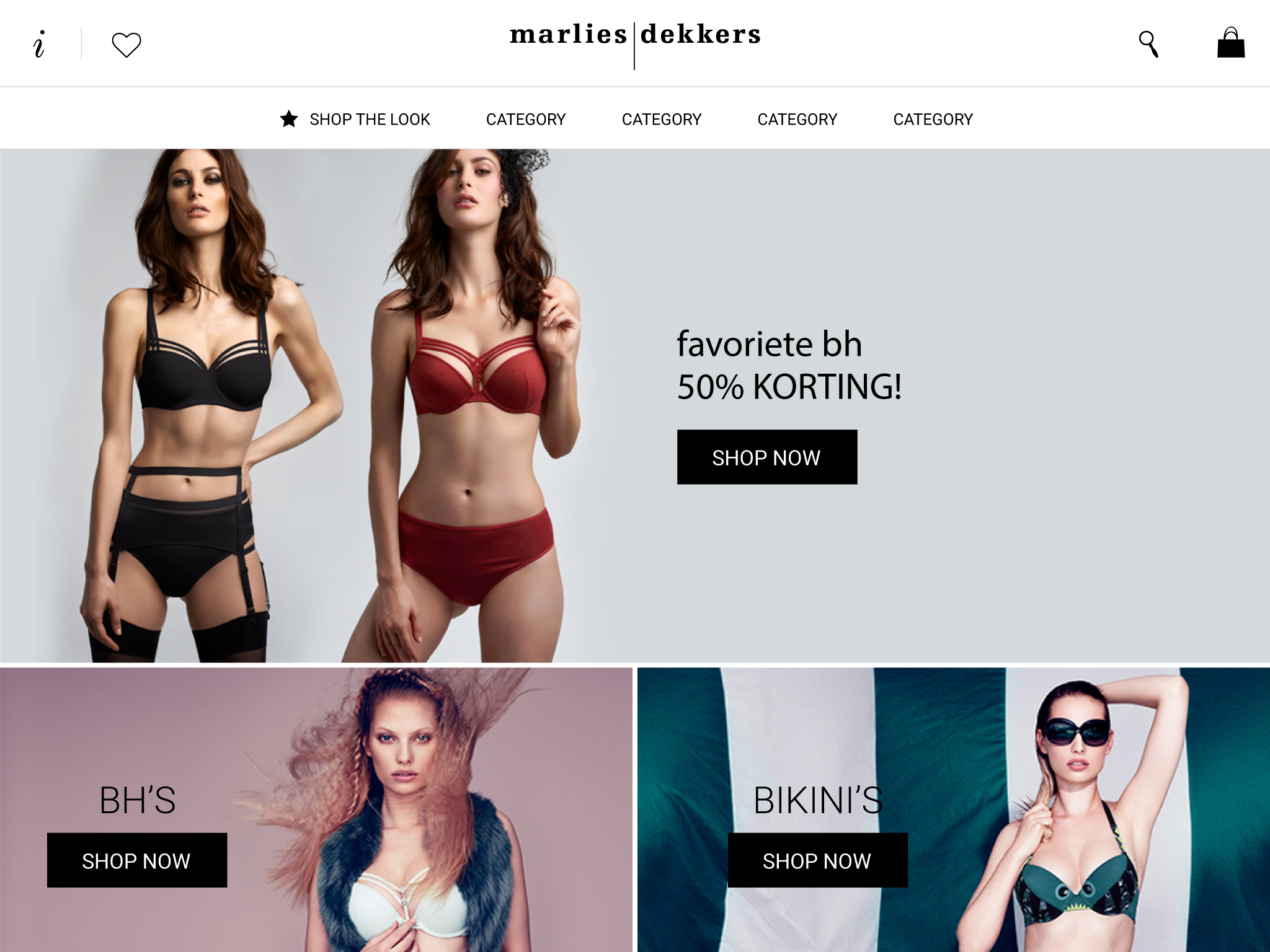
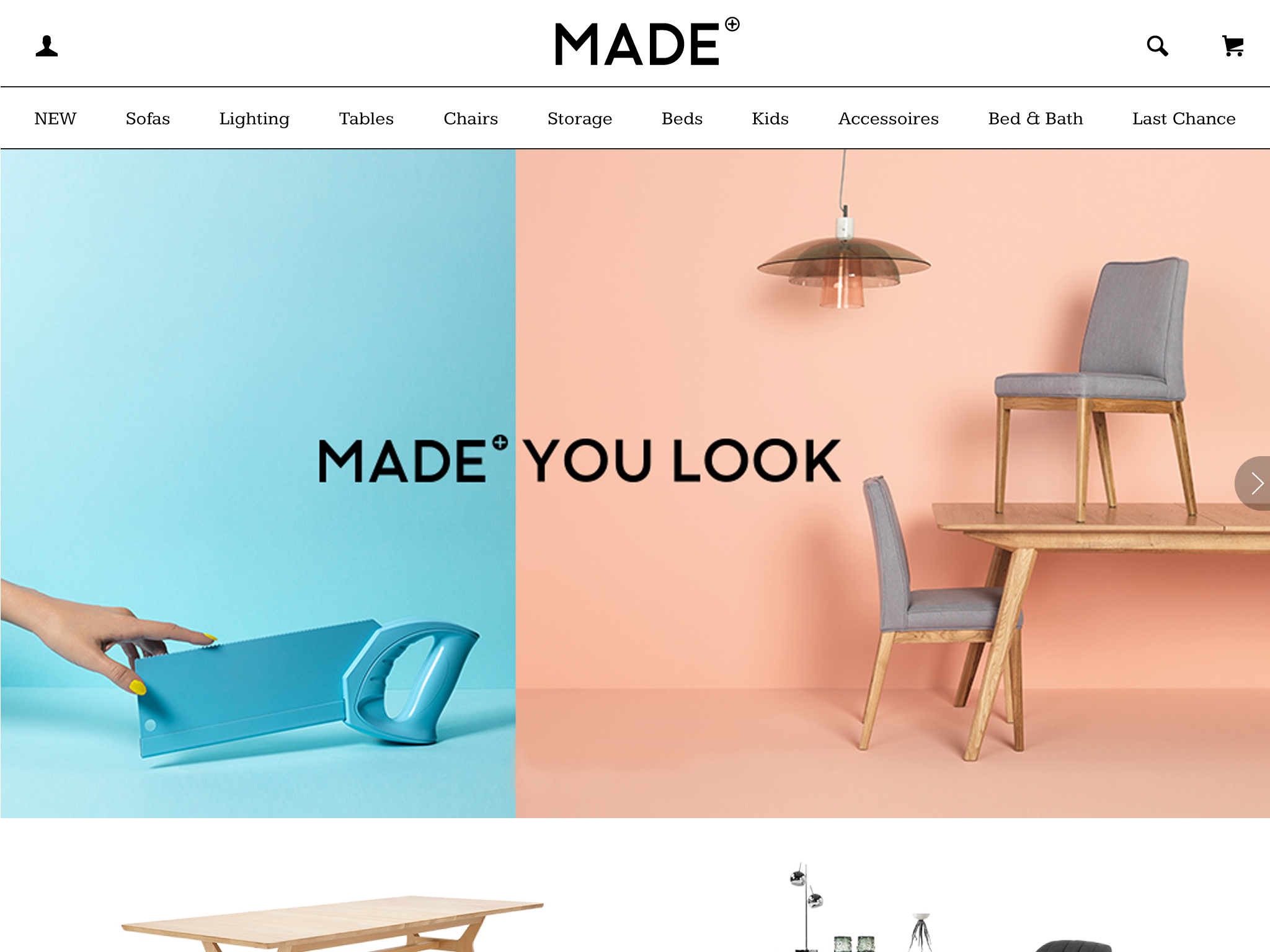
Highstreet Studio
After the app is styled, clients can create new content, e.g., home promotions, lookbooks, and push notifications with Highstreet Studio. The goal was to create a simple, yet visual CMS for the merchants, to help motivate them to create fantastic content.
Learnings
While working at Highstreet, every day, I learned something new. I learned how to work closely with the dev-team, understand how to communicate and way of working. I learned that everything is possible, but it will cost time. I learned to understand iOS, Android.
Theming forced me to work efficiently and fluid, creating systems that are easy to change. Creating Highstreet taught me to design and animate at the same time, this way creating the best experience.
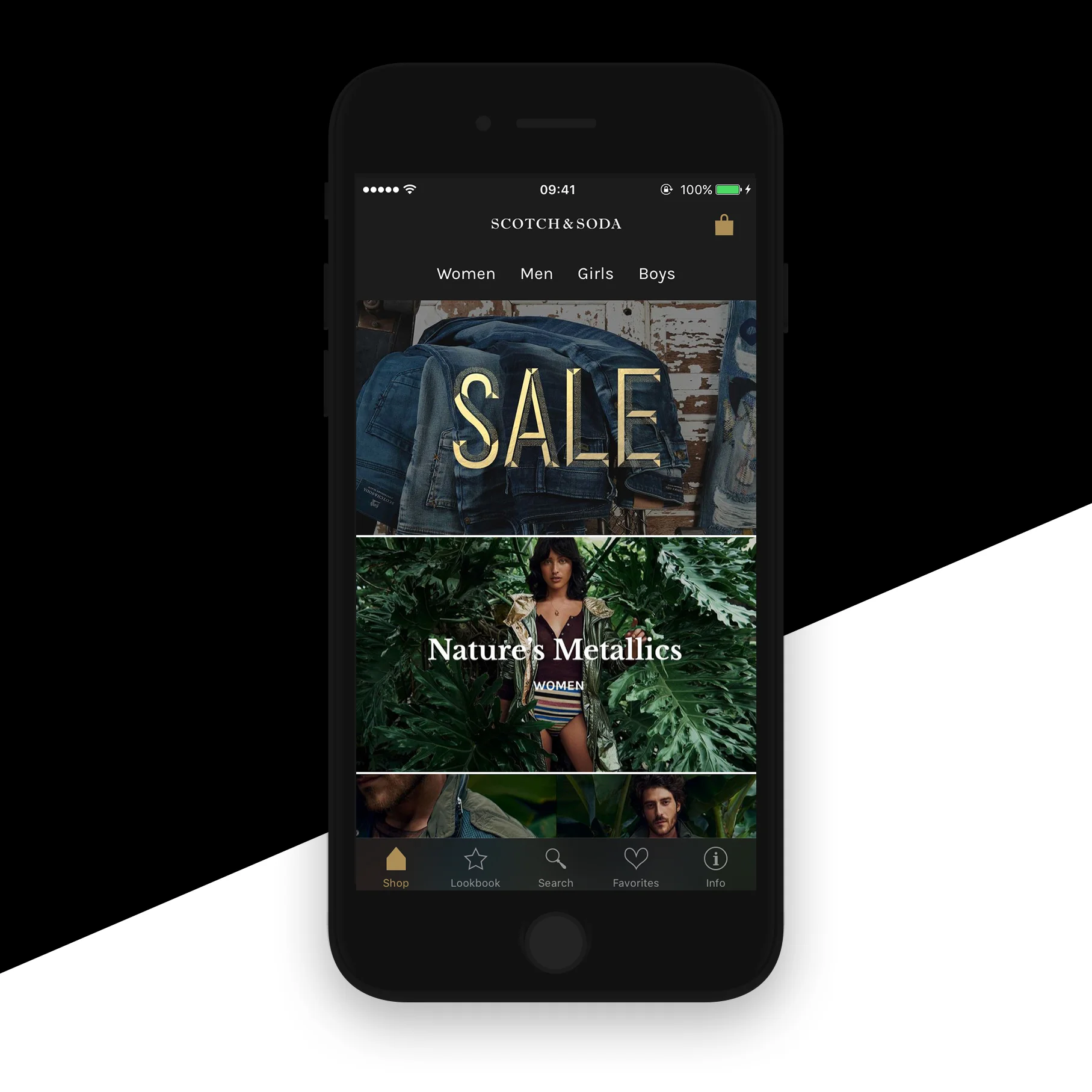
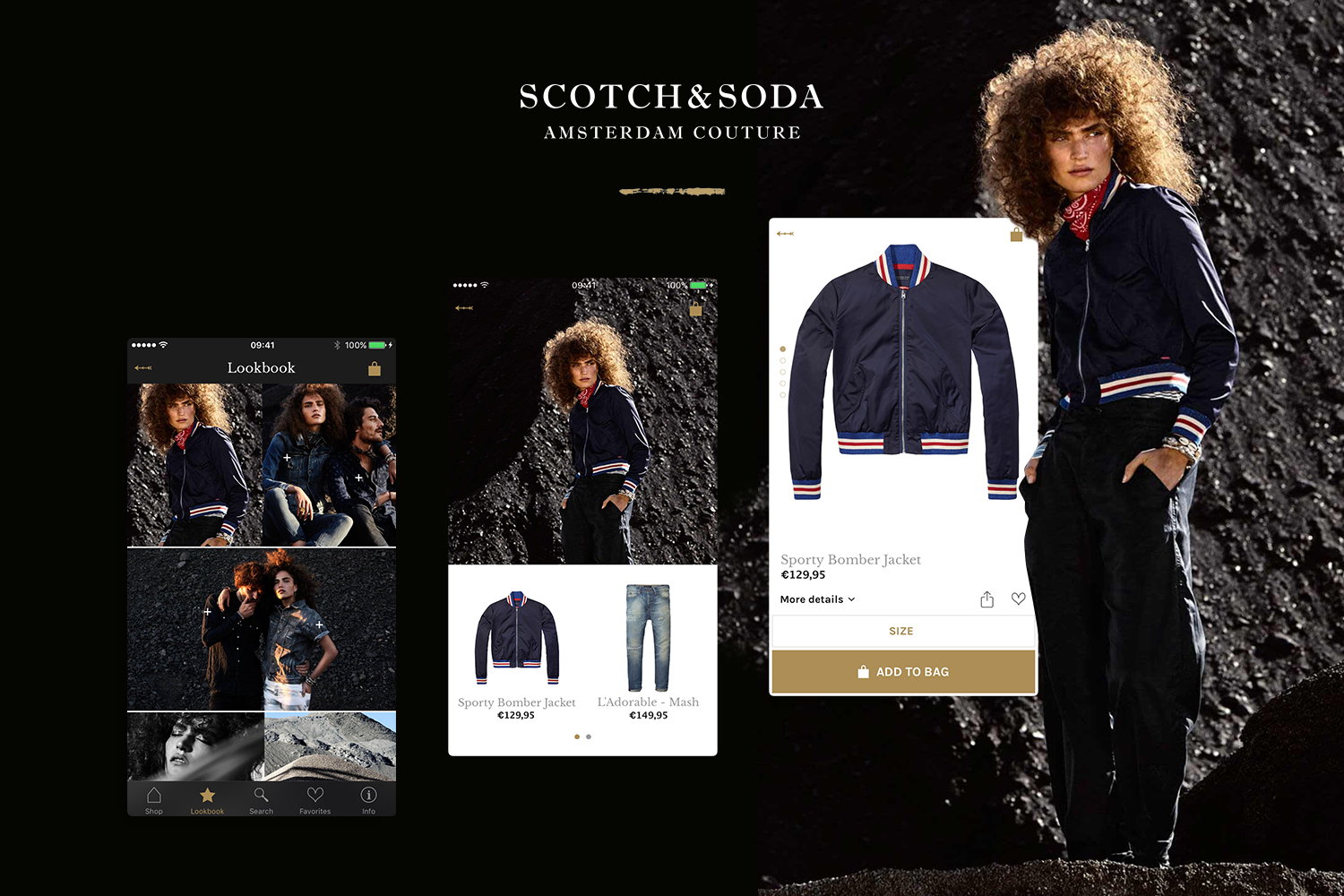
Here are some of my favorite shops in the App Store: Scotch&Soda, Marlies Dekkers